
在vue中实现本地预览Docx等文档
基于Vue3和vue-office/docx实现本地预览在线docx和预览本地docx文档。
本地预览Docx文档
前言:
某项目需要实现在本地预览DOCX文档,恰好最近又没想到什么内容可以让我水水博客,故而就诞生了此篇文章。
项目配置:
Vite:5.3.1
Vue:3.4.29
插件介绍:
? vue-demi
vue-office/docx:
据作者介绍:提供word(.docx)、pdf、excel(.xlsx, .xls)多种文档的在线预览方案
vue-demi:
它是一个Vue3的生态系统工具库,用来帮助开发者在Vue2中使用Vue3的API,而vue-office/docx借助它,实现了兼容V2和V3两个版本。
下载安装:
npm install @vue-office/docx vue-demi@0.14.6使用方法:
在Vue文件中引入vue-office/docx和相关的css文件。
代码演示:
<template>
  <div>
    <vue-office-docx :src="url" style="width:80%; min-height: 500px" @rendered="rendered"></vue-office-docx>
  </div>
</template>

<script setup lang="ts">
import VueOfficeDocx from "@vue-office/docx";
import "@vue-office/docx/lib/index.css";
import {ref} from "vue";

const rendered = () => {
  console.log("加载完成");
};

const url = ref<any>("https://reblog.cn/upload/test/test.docx");


</script>
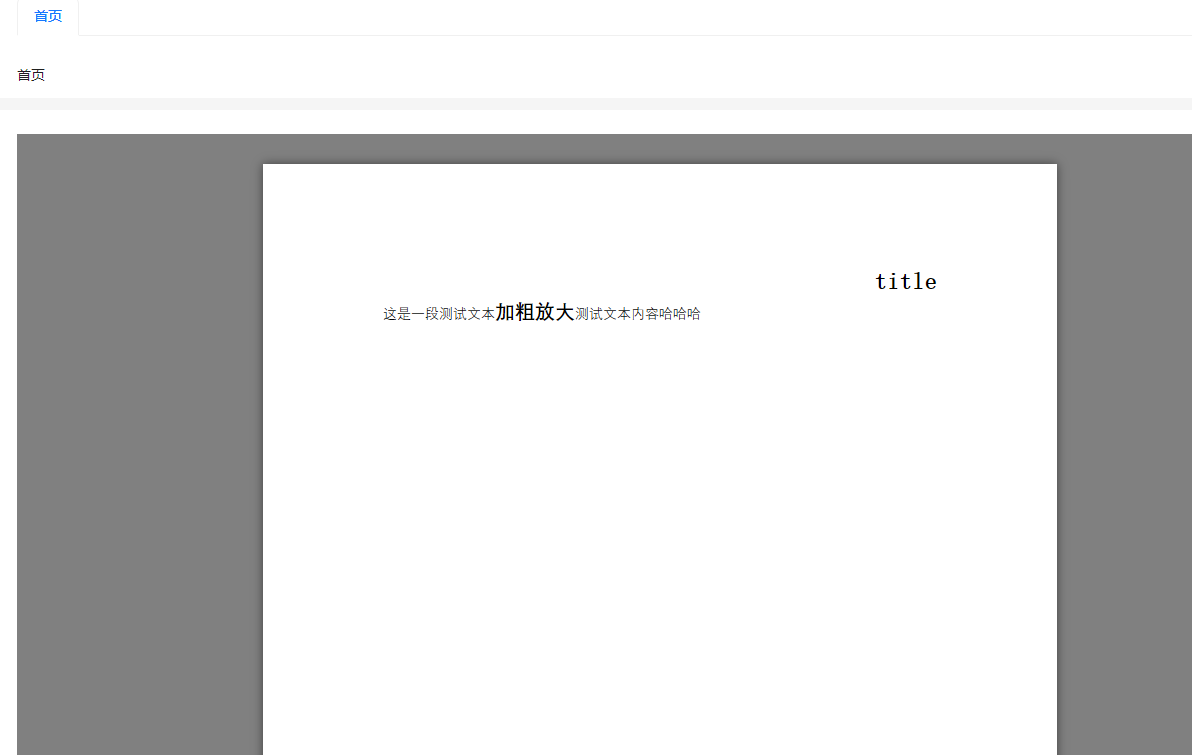
效果截图:
预览本地文件:
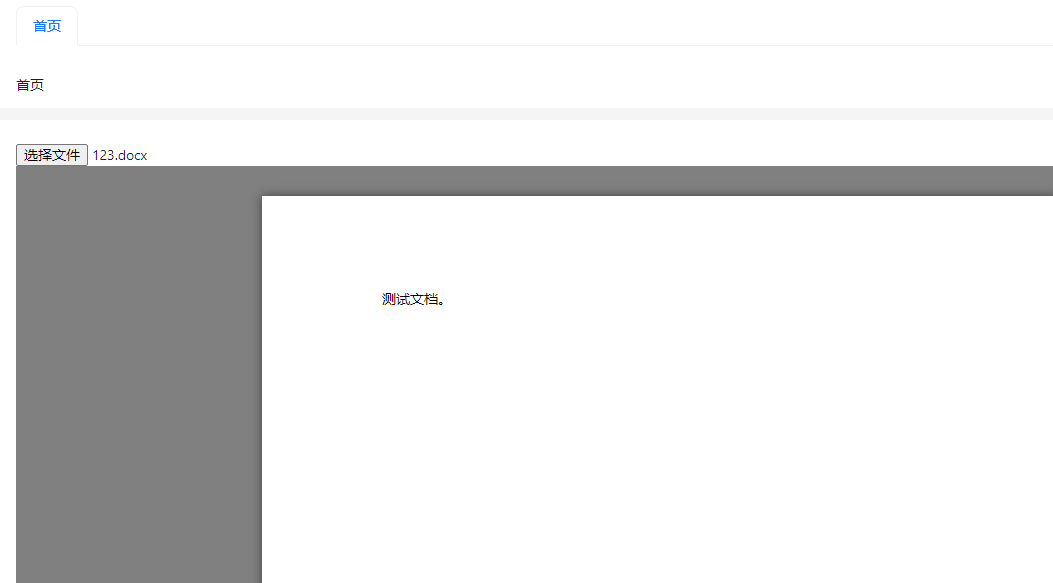
新增一个input标签type类型为file,并绑定change事件,获取到文件后通过FileReader读取文件,在通过vue-office渲染至页面。
FileReader:文档说明
代码演示:
<template>
  <div>
    <input type="file" @change="handleChange"/>
    <vue-office-docx :src="url" style="width:80%; min-height: 500px" @rendered="rendered"></vue-office-docx>
  </div>
</template>

<script setup lang="ts">
import VueOfficeDocx from "@vue-office/docx";
import "@vue-office/docx/lib/index.css";
import {ref} from "vue";


const url = ref<any>("https://reblog.cn/upload/test/test.docx");

const rendered = () => {
  console.log(666);
};


const handleChange = (event: any) => {
  const files = event.target.files[0];
  const reader = new FileReader();
  reader.readAsArrayBuffer(files);
  reader.onload = () => {
    url.value = reader.result;
  }
};
</script>
<style lang='scss'  scoped>

</style>
效果截图:
封面图源自网络,侵权删除
若本文对您有所帮助请点个攒在走吧,若您有任何见解或疑惑请在下方评论区留言讨论。